Guide
YouTube Playables not working? Why games don't show up or load
Playables missing, a game that won't load, no sound, lost progress or “no ads available”: the usual reasons and what to check, based on YouTube Help and Google's docs.
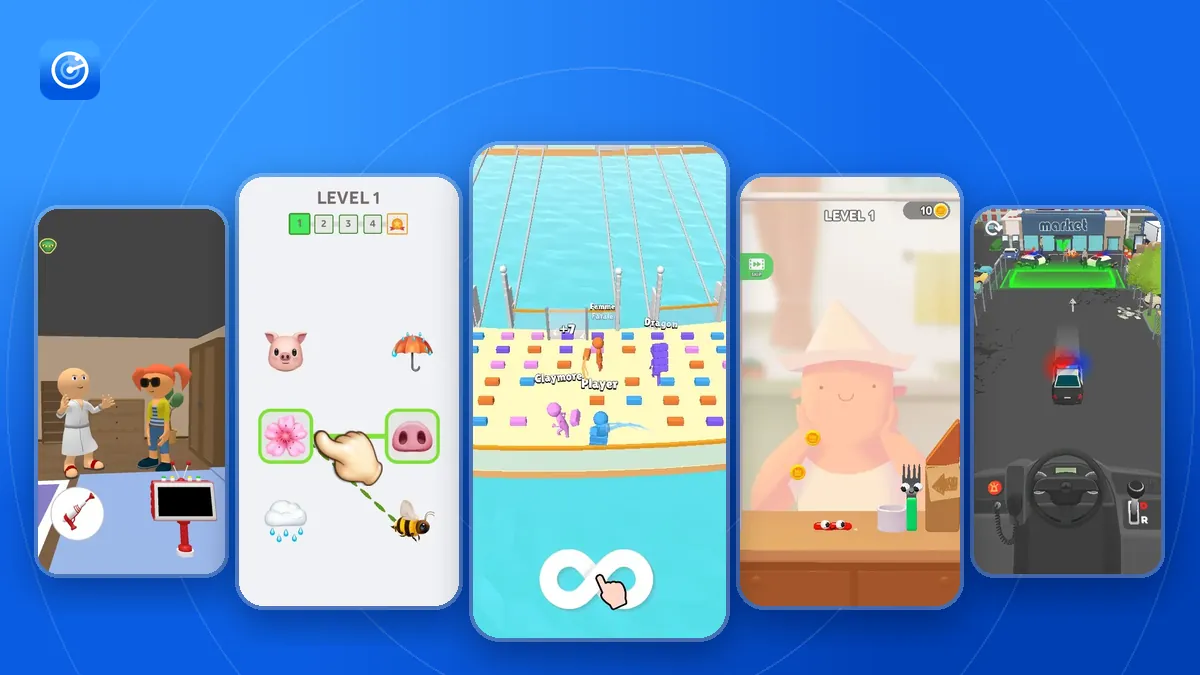
Most problems with YouTube Playables come down to a few things: the country you are in, the version of the YouTube app, the device or browser, and whether you are signed in. This guide goes through the common problems one by one. The requirements come from YouTube Help and Google's documentation for developers, linked at the end.
Playables don't show up at all
Check these in order:
- Country. Playables are available in around 120 countries and territories listed in YouTube Help. Outside these countries Playables are not available.
- App version. On Android you need YouTube 20.46 or later, on iPhone and iPad YouTube 20.44 or later with iOS 14 or later. Update the app from the app store.
- Device. On Android 8 to 11, Playables need a 64-bit or high-memory 32-bit device. Android 12 and later is supported.
- Browser. On the web, YouTube supports Playables in Chrome, Safari and Firefox.
- “Not interested”. If you once chose “Not interested” on the Playables shelf, YouTube shows it less often. You can still open youtube.com/playables directly or find games in search.
A game doesn't load or freezes
Playables need an internet connection, over Wi-Fi or mobile data, so a slow or interrupted connection is the first thing to check. Games download their files when you open them: Google lets a game download up to 30 MiB before it becomes playable, and recommends keeping it under 15 MiB, so on a slow network the loading screen can take a while.
Google's developer documentation also notes that games that use too much memory often crash on iOS, and caps the memory a game may use at 512 MB. If one game keeps crashing on an older phone, it may simply need more memory than the device has. Other games, or the same game in a browser on a computer, may work.
The game has no sound
Google requires every game to follow YouTube's own sound setting: when sound is off in YouTube, the game must stay silent, and it must start playing sound again when YouTube's sound is back on. So if a game is silent, check that YouTube itself is not muted before looking at the game's settings. Games also go silent while they are paused.
Progress was lost
- Not signed in. Progress is saved to your account and syncs only on devices where you are signed in to YouTube.
- Save deleted. Saves are stored in YouTube History under Interactions, one per game. Deleting a game's save there removes its progress on all devices.
- The game doesn't save. Not every game stores progress. If a game keeps no data, nothing appears for it in History.
Updates should not wipe progress: Google requires a new version of a game to open saves made by its older versions.
“No ads available” when you want a reward
Some games offer a reward for watching an ad. According to Google's developer FAQ, ads in Playables are only available in the YouTube app on Android and iOS, only a subset of users in eligible regions see them, and YouTube Premium members don't see ads. So on a computer, in a browser or with Premium, there may be no ad to show. Google's rules require that you can always keep playing without watching a rewarded ad.
A game disappeared
The main Playables list on YouTube doesn't show the whole catalog. On November 18, 2026 it contained 1,096 of the 1,349 games; the others still open by a direct link. Games you saved for later are in the You tab.
A game can also be gone for good: Google can remove games that break its rules, for example games that are substantially identical to an existing title. You can look up any game in the Playables Radar catalog to see its plays and the date of its latest numbers.
Frequently asked questions
Why can't I find Playables on YouTube?
Usually because Playables are not available in your country, your YouTube app is older than 20.46 on Android or 20.44 on iOS, or your device or browser isn't supported. Updating the app fixes most cases where the country is supported.
Why is a YouTube Playables game not loading?
Check your connection first: games download their files when you open them. Some games also need more memory than older phones have and can crash on them.
Why did my YouTube Playables progress reset?
Progress syncs only when you are signed in, and deleting a game's save in YouTube History removes it on every device. Some games don't save progress at all.
Why does a Playables game say there are no ads available?
Ads in Playables only run in the YouTube app on Android and iOS, only some users see them, and YouTube Premium members don't see ads at all. You can keep playing without the reward.
Sources
- Playables on YouTube (YouTube Help): devices, availability, saved progress
- Developer FAQ: memory limit, ads, removed games
- Integration requirements: sound, pause and saves
- Stability and performance requirements: download size
- Monetization requirements: rewarded ads
Checked against YouTube Help and Google's documentation on November 18, 2026. Catalog numbers are from Playables Radar for the same date.