Guide
What is YouTube Playables? How to find and play games on YouTube
YouTube Playables are games you play right inside YouTube. Where to find them, which phones and browsers work, how progress is saved and what kinds of games there are.
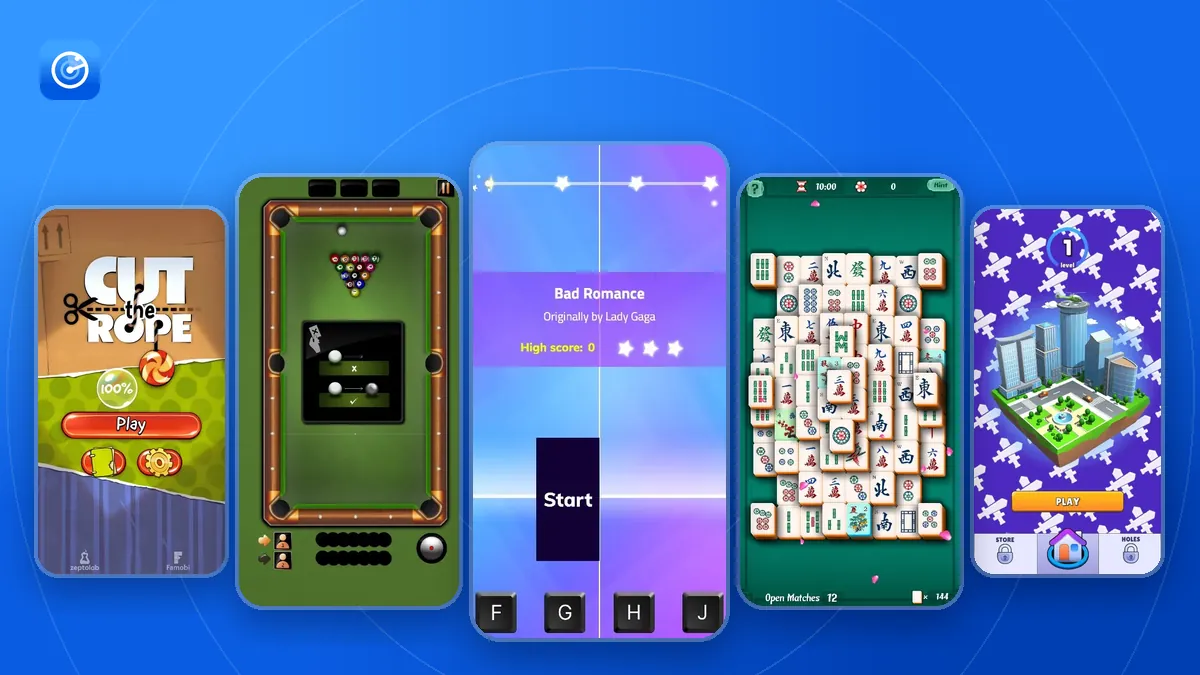
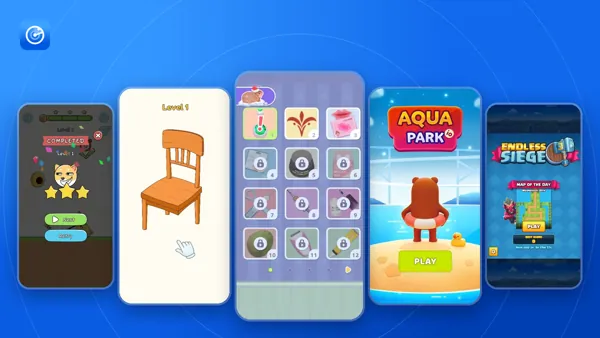
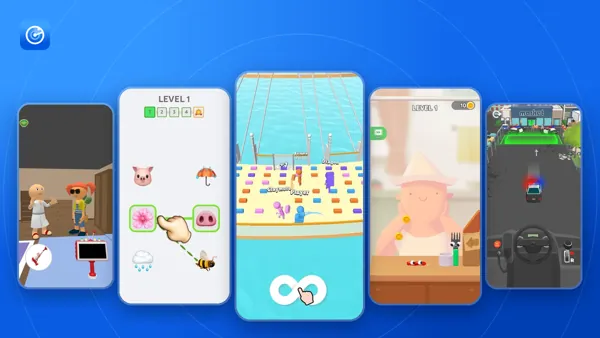
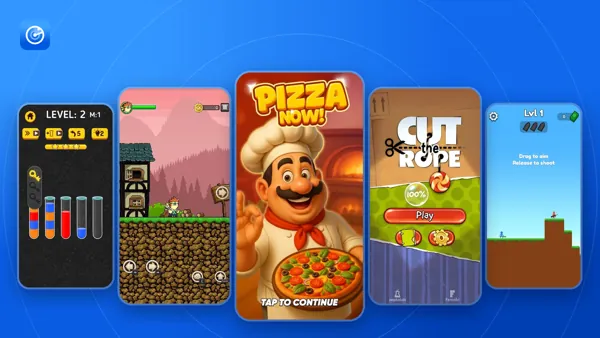
YouTube Playables are games that you play directly on YouTube, in the mobile app or in a browser, without installing anything. This guide explains where to find them, what you need to play, how your progress is saved and what kinds of games are in the catalog. Facts about the feature come from YouTube Help and Google's documentation, linked at the end.
What YouTube Playables are
Google describes Playables as “interactive games and experiences published to YouTube, playable through our apps and website”. They are web games: each one runs inside the YouTube app or the YouTube website, so there is nothing to install.
The games are made by game studios and published by YouTube channels. Many of them are versions of well-known mobile games. The catalog had 1,349 games from 194 publishers on November 18, 2026, and 1,155 of them were released in 2026. The oldest games still in the catalog date from 2023.
How to find Playables on YouTube
- Home page. A Playables shelf appears on the YouTube Home page.
- Playables page. All games have their own page at youtube.com/playables.
- Explore. On a computer, sign in, open Explore in the menu on the left and choose Playables.
- Search. Playables also turn up in YouTube search.
- You tab. Games you saved to play later appear in the You tab.
To send a game to a friend, open the More menu (three dots) and choose Share. Developers' channels also have a Playables tab with their games.
Which devices and browsers work
| Where you play | What you need |
|---|---|
| Android phone or tablet | YouTube app 20.46 or later. Android 12 or later, or Android 8 to 11 on a 64-bit or high-memory 32-bit device |
| iPhone or iPad | YouTube app 20.44 or later, iOS 14 or later |
| Computer or mobile browser | Chrome, Safari or Firefox |
You also need an internet connection, over Wi-Fi or mobile data. TVs and game consoles are not on YouTube's list of supported devices.
Is it free?
You don't pay or install anything to play. Games earn money from ads instead: YouTube can show an ad while a game loads, and games can show ads at natural breaks, such as between levels, or offer an optional ad in exchange for an in-game reward. Ads appear in the YouTube app on Android and iOS, and YouTube Premium members don't see them.
Google's rules for developers don't allow purchases or ads through outside services, and rewards in a game can't have real-world value.
How progress and scores are saved
Progress is saved automatically to your Google account, one save per game, and syncs to every device where you are signed in. You can find your saves in YouTube History under Interactions. Deleting a game's save there removes its progress on all devices. Best scores are stored separately from progress, so deleting one doesn't delete the other.
If YouTube History is turned off, the games you play don't appear in it. You can change these settings at myactivity.google.com.
Where Playables are available
YouTube Help lists around 120 countries and territories where Playables are available, including the United States, the United Kingdom, India, Brazil and Japan. If you don't see Playables at all, your country, app version or device may be the reason. See why Playables may not show up or load.
What kinds of games there are
Puzzle games are the largest group, followed by simulation and arcade games. These are the genres games have on YouTube, with the number of games on November 18, 2026:
| Genre | Games |
|---|---|
| Brain & Puzzle | 419 |
| Simulation | 272 |
| Arcade | 218 |
| Action | 172 |
| Racing | 104 |
| Board & Card | 53 |
| Sports | 41 |
| RPG & Strategy | 38 |
| Trivia & Word | 22 |
| Multiplayer | 6 |
| Music | 4 |
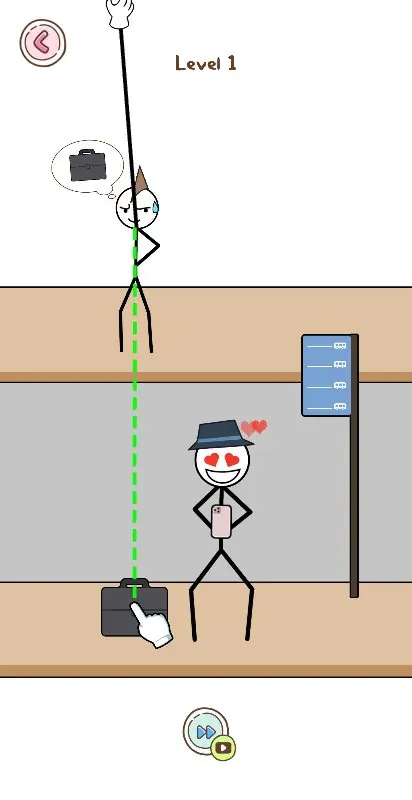 Thief PuzzleBrain & Puzzle
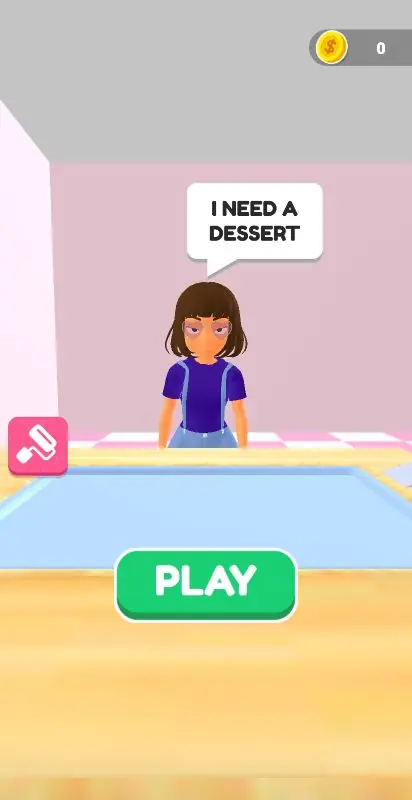 Dessert DIYSimulation
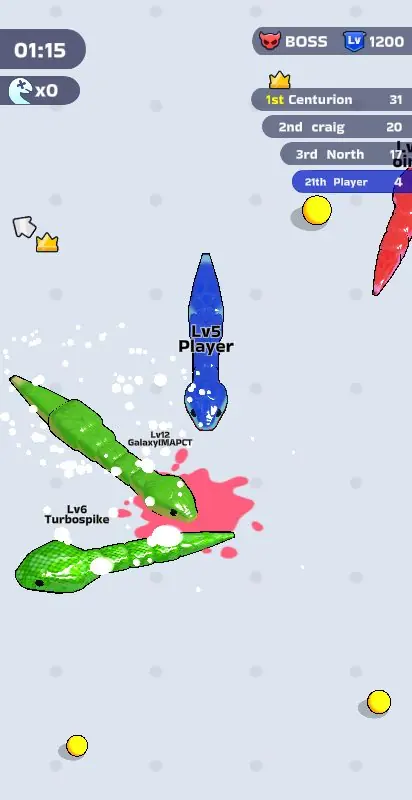 Snake Clash!Arcade
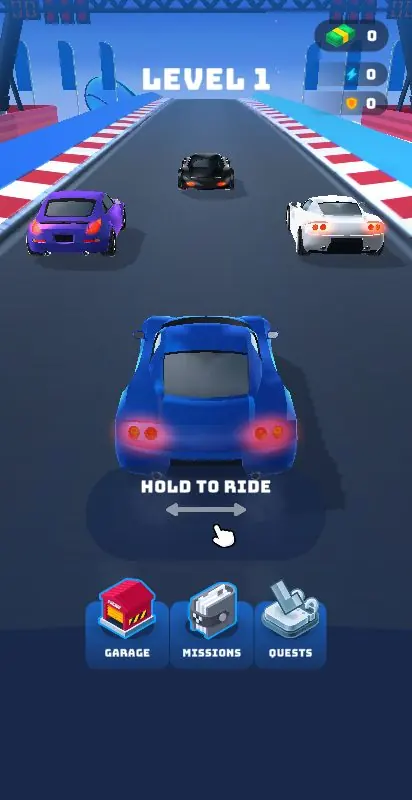 Race Master 3DRacing
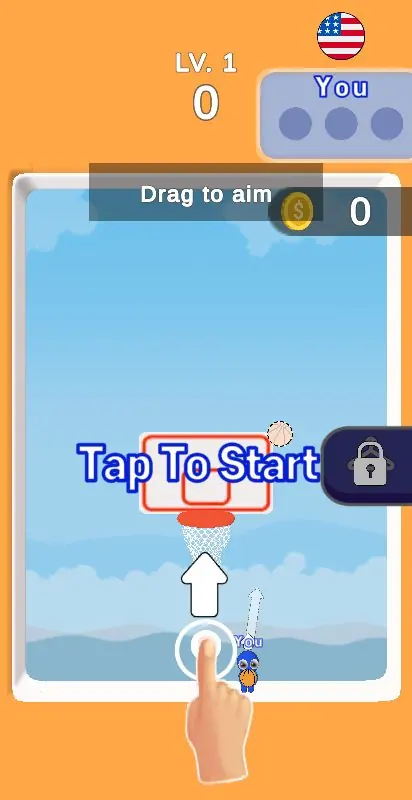 Basket BattleSports
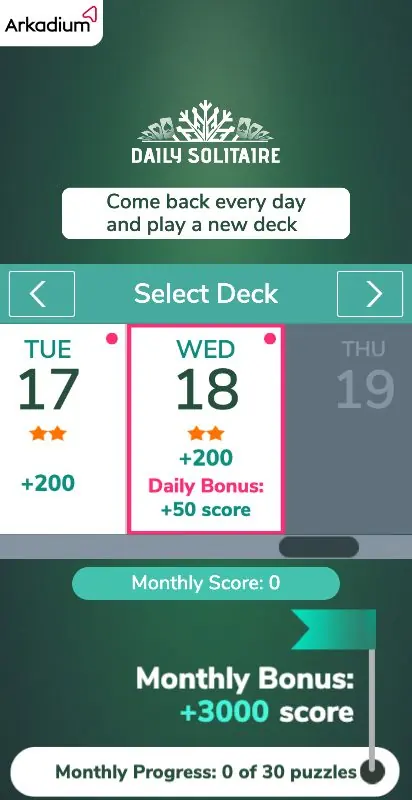 Daily SolitaireBoard & Card
The most played games are in the YouTube Playables games list, and you can browse all of them in the catalog.
How to see fewer Playables
If you don't want games in your feed, choose “Not interested” on the Playables shelf or on a single game. YouTube then shows them less often.
Frequently asked questions
Is YouTube Playables free?
Yes, you don't pay or install anything to play. Games are supported by ads, and YouTube Premium members don't see ads.
Do I need to sign in to play?
Sign in if you want to keep your progress: it is saved to your account and syncs only on devices where you are signed in. Opening Playables from the Explore menu also starts with signing in.
Can I play YouTube Playables on iPhone or iPad?
Yes, in the YouTube app version 20.44 or later on iOS 14 or later, or in Safari, Chrome or Firefox.
Can I play YouTube Playables offline?
No. You need an internet connection, over Wi-Fi or mobile data.
Can I play YouTube Playables on a TV?
YouTube's list of supported devices covers Android and iOS phones and tablets and the Chrome, Safari and Firefox browsers. TVs are not on it.
Sources
- Playables on YouTube (YouTube Help): where to find games, devices, availability, saved progress
- YouTube Playables for developers: what Playables are
- Monetization and developer FAQ: ads in games
- Monetization requirements: purchases and rewards
Checked against YouTube Help and Google's documentation on November 18, 2026. Catalog numbers are from Playables Radar for the same date.